Switch 2 game-key cards explained: what Canadian buyers download before playing
September 28, 2026
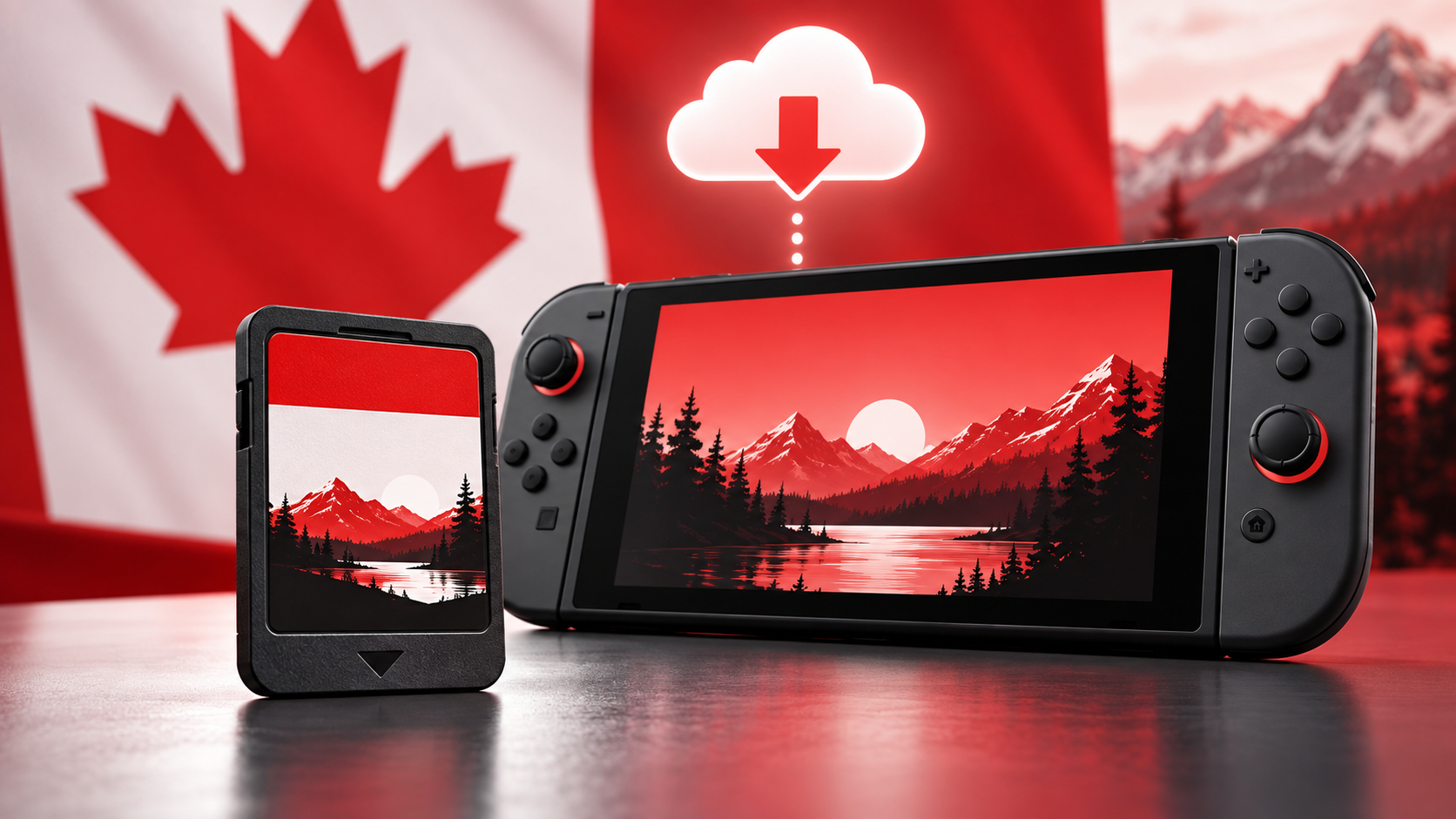
Some Nintendo Switch 2 physical releases use a game-key card instead of storing the full game. Here is what the card does, what you need to download, and what still works offline.
Nintendo Canada has published a plain-language explainer for game-key cards, a physical format used by some Nintendo Switch 2 releases. The important distinction is simple: the card contains the key needed to start the software, while the game data is downloaded to the console. Nintendo Canada’s explainer is the regional starting point for Canadian shoppers.
A key card is not a full game card
Nintendo’s Switch 2 FAQ says a game-key card does not contain any game data. Instead, it carries the key required to start the title, and the system downloads the actual software over the internet the first time you use it. The official FAQ also separates key cards from regular game cards, so the packaging matters when you are comparing physical editions.
That makes the format a hybrid: you still insert a physical card to launch the software, but the initial ownership experience includes a sizeable download. It is not the same as a cartridge that carries the complete game, and it is not identical to buying a download code with no physical card.
What you need before the first launch
Nintendo Support lists two practical requirements: an internet connection and enough free space in the Switch 2 system memory or a microSD Express card. The required space is printed on the game-key card packaging, so check it before leaving for a trip or buying a smaller storage card. Nintendo’s support overview walks through the insert, download, and play sequence.
The first download is the part most likely to surprise a buyer. A sealed box can look ready for an offline weekend, but the card cannot start the game until the data has been downloaded. Plan that download while you have reliable broadband and enough storage available.
What still works offline
After the software is downloaded, Nintendo says an internet connection is only required when launching the game for the first time. Later starts can work offline, provided the game-key card remains inserted in the console like a regular physical card.
That physical requirement also affects how a household shares the game. The key card can move between compatible systems, but each system needs the software download before it can play, and the card still has to be present when the game starts.
How to shop more carefully in Canada
Look for the game-key card wording on the box, retailer page, and Nintendo eShop listing before you pay. The format can be a reasonable choice if you want a resellable-looking physical package and have dependable internet, but it is a weaker fit for buyers who expect every byte to be on the card.
Nintendo’s regional support pages, the Nintendo Switch 2 FAQ, Nintendo Life’s release guide, VGC’s Switch 2 coverage, Eurogamer’s hardware reporting, IGN’s explainers, GameSpot’s reporting, Famitsu’s hardware coverage, Gematsu’s release notes, and Polygon’s Switch 2 coverage were reviewed for this guide. Where third-party summaries differed, the first-party support wording controls the practical advice above.
Check out the price tracker
This explainer discusses a distribution format rather than a specific game, so there are no game records to link in the tracker. Use the format details above when comparing the Canadian price, storage requirement, and convenience of any Switch 2 physical listing.
Sources reviewed include Nintendo Canada’s game-key card explainer, Nintendo’s Switch 2 FAQ, Nintendo Support’s Game-Key Card Overview, Nintendo’s U.S. and Japanese support pages, Nintendo Life, VGC, Eurogamer, IGN, GameSpot, Famitsu, Gematsu, and Polygon.